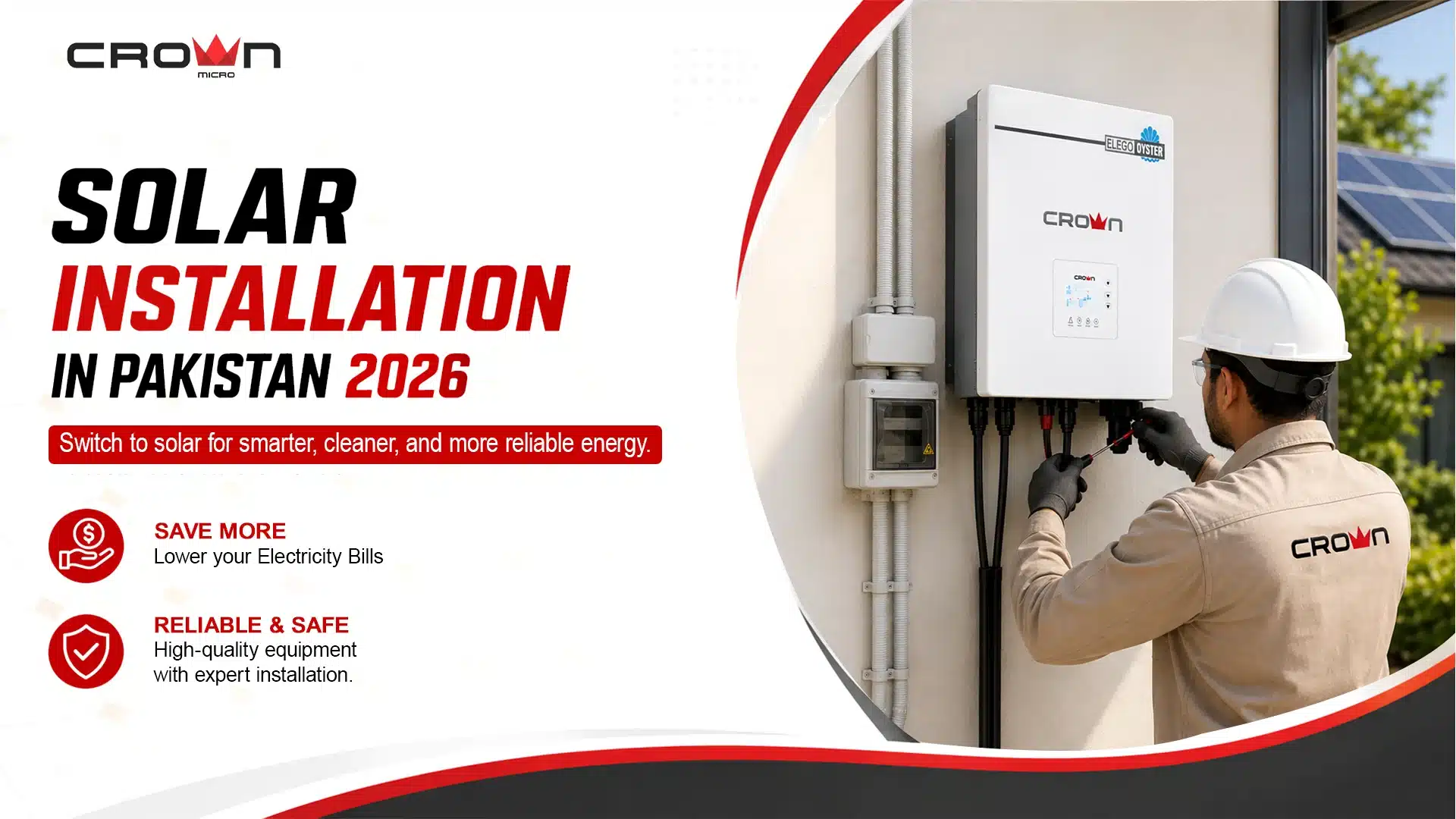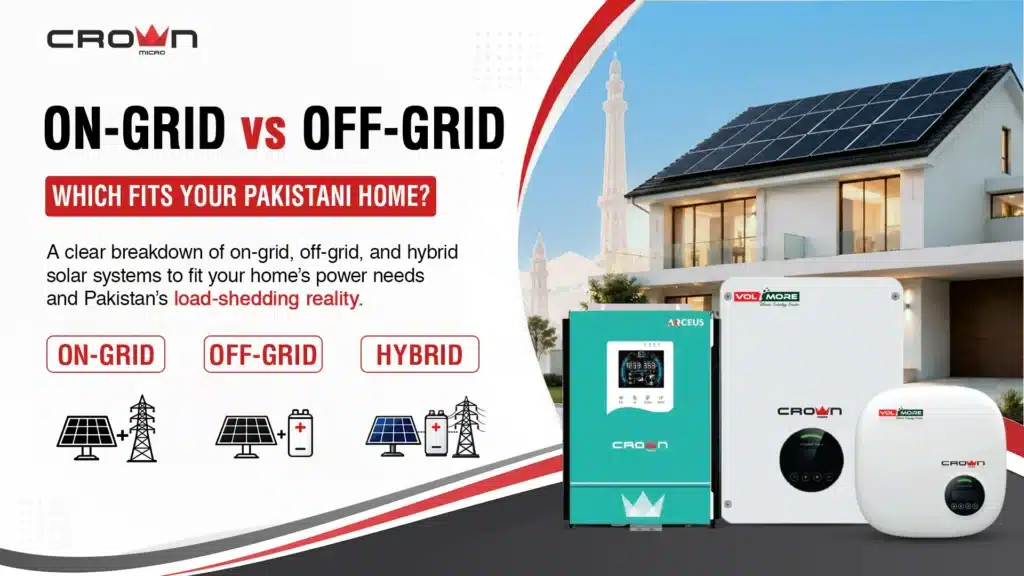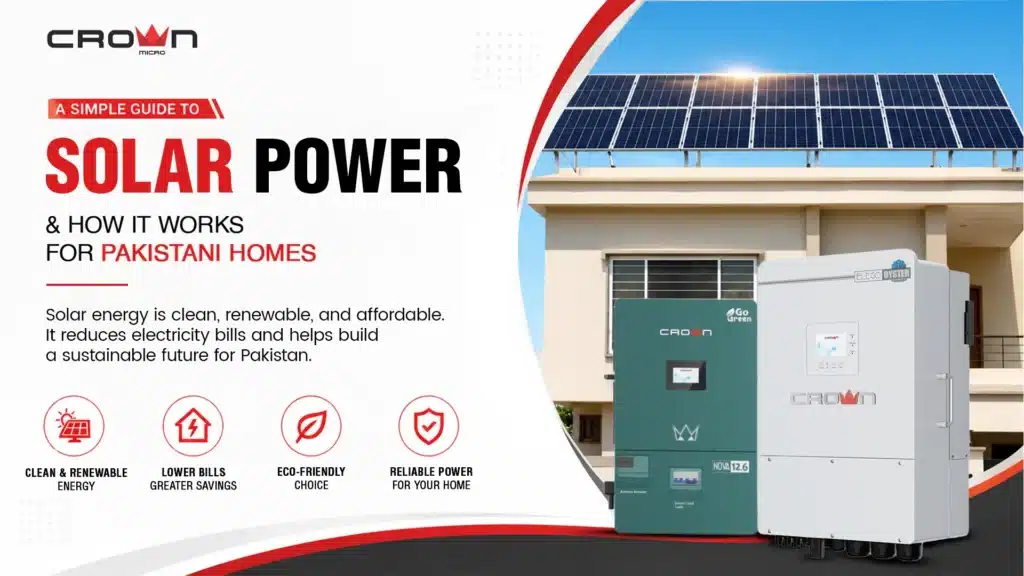

With increasing energy demands, people are seeking innovative solutions by installing Crown Micro solar inverters from Crown Micro Global to minimize energy consumption and maximize energy output from solar panels. If you live in Pakistan and experience load-shedding every two hours, consider transitioning to solar installation. Many people believe that installing solar systems incurs a high expense, but it provides a return on investment (ROI) over time; you recover your investment through savings on bills while enjoying an outage-free household and worksite. Smooth operations lead to increased productivity, whether in an industry or in providing services. Loadshedding can delay your work and prevent timely delivery, resulting in economic crises.
To enhance your productivity, consider switching to inverter installation, a step that offers durability and improves performance by providing innovative, greener solutions for households and commercial spaces. In this blog, you’ll find step-by-step guidance on everything from installation to inverter monitoring, designed to maximize power and protect against load shedding and outages during hot summers while helping you grow your business economically. The Crown Micro Hybrid Solar Inverter is the most suitable option to install in both grid and non-grid areas, offering maximum power supply and reliable backup.
Step-by-Step Guide to Installing Crown Micro Solar Inverter
Installing an inverter is not a DIY project that you should attempt at home; you need a professional installation service provider to complete the installation safely and ensure complete protection. However, you should be familiar with the installation process, and this guide will help you a lot, from identifying the appropriate space to checking the inverter display to gain more benefits after installation.
Requirement Before Installation
- Compatible solar panels
- Compatible Battery bank (for hybrid systems)
- Mounting brackets and screws
- AC and DC cables
- Safety gear (gloves, insulated tools)
- Multimeter for voltage testing
Right Inverter size
Before installation, the first step is to determine the proper inverter size for your home and office setup based on your energy demands. Here are some inverter sizes that are best for different capacities.
| Inverter Size | Power capacity | Dimension (Approx) | Space Required (Wall area) | Ideal For |
| 1.5 kW | 1500 Watts | 30 x 22 x 10 cm | 1.5 ft² | 2 to 3 fans or a small home |
| 3 KW | 3000 Watts | 35 x 25 x 12 cm | 2 ft² | Small office and medium home spaces |
| 5 kW | 5000 Watts | 40 x 30 x 14 cm | 2.5 ft² | Medium home with heavy appliances, AC/Fridge |
| 10 kW | 10000 Watts | 45 x 35 x 18 cm | 3.5 ft² | Commercial or large setup |
This table will surely help you determine the energy requirements and the ideal size of the Inverter from Crown Micro Micro Global for selecting the best inverter size.
Selecting the location
The ideal location for the Crown Micro solar inverter is near the primary distribution of electricity. It should also be stored in a cool, dry, well-ventilated area that is protected from direct sunlight and water exposure. However, you may choose the IP65 hybrid Crown Micro inverter because it is designed for all weather conditions.
Mount the Inverter
During inverter installation, ensure the use of a mounting bracket at least 2 feet off the ground, allowing for easy maintenance and monitoring. The load should be firmly attached to a concrete or plywood wall.
Install Solar Panels
On top of the roof, install your solar panels. From 4 to 8 panels, a 1.5 to 2.5 kW inverter is typically needed. When installing the panel, ensure it is not placed in a shaded area of the rooftop. Select a spot where maximum sunlight comes in throughout the day.
DC Wiring from Solar Panels
Wire the solar panels together following the manufacturer’s instructions provided by Crown Micro Global. Utilize MC4 connectors to link the solar panels. Generally, the connections are arranged in either series or parallel. Connect the positive terminal of the solar panel array to the negative terminal of the Inverter’s DC input.
Battery Connection (For Hybrid Inverters)
If you are using the best hybrid Inverter, you need to connect the battery bank for optimal backup during an outage. To do this, connect the positive and negative terminals to their respective terminals, ensuring the polarity is correct. Follow the inverter company’s recommendations for creating a 24V to 48V system, depending on your Inverter.
AC Output Connection
To power appliances with a Miniature Circuit Breaker, you need a connection for AC output through your Inverter, which supplies AC power to all your appliances. Connect the Inverter’s AC output to the respective positive and negative terminals.
Grounding
Connect your Crown Micro Solar inverter to the grounding point using a grounding rod and copper wire. This Step will help keep your appliances safe from surges, fluctuations, and any lightning issues, giving you peace of mind.
Turn on the system
Finally, your Inverter is installed. Turn on the battery switch, then turn on the solar panels‘ disconnected switch. Next, switch on your Inverter and connect the AC load.
Monitor Crown Micro Solar Inverter After Installation for Maximum Output
After installation, monitoring is a curricular component that describes the performance of solar panels and inverters. You can choose between a grid inverter or a hybrid inverter. Crown Micro inverters feature a built-in LCD display and Wi-Fi support, enabling users to easily monitor their performance.
LCD Display and wifi support
The LCD keeps you informed about the voltage, energy production from solar panels, load consumption, and grid input. In the event of any malfunction, you will see error and warning signs on the screen, accompanied by a warning buzzer. With wifi connectivity, you can check your Inverter’s performance by installing an app, a feature commonly found in modern inverter designs. You only need to register your Inverter’s serial number to get real-time access to your Inverter at your fingertips. By managing the load, you can improve your Inverter’s performance.
Crown Micro Global: A Perfect Solar Inverter Partner
As a leading brand, our solar power inverters offer maximum energy output for all your appliances and easily integrate with any solar panel in Pakistan. They are ideal for both rural and urban areas. Whether you are looking to install an off-grid independent energy solution or seeking a backup power supply to reduce your bills, the hybrid solar Inverter provides an excellent energy supply. Additionally, the batteries offer complete power backup during outages and breakdowns, ensuring high performance by guaranteeing 24/7 electricity availability without surges or interruptions.
Frequently Asked Questions (FAQs)
Which Step do you need to install the Inverter?
- Select the Right Inverter.
- Choose a location to mount the Inverter; it should be dry, cool, and well-ventilated
- Connect the DC, battery, and AC to the Inverter, ensuring the charge controller is linked to the battery.
- Inverter Installed
- Test the overall system.
Why do you need to monitor your Inverter?
For optimal performance and load management, it is essential to monitor your Inverter daily. This will keep you updated about the battery condition, battery backup capacity, and the electricity generation from solar panels. According to power, you can manage load through monitoring.
How To Check Inverter Performance?
Crown Micro Solar Inverter has a built-in LCD(display) that easily indicates the performance of the Inverter. For optimal performance, wash and remove dust from solar panels every 2 to 3 months, as this will enhance their performance.
Final Words:
Installing an inverter is not as simple as buying it and using it right away. You need a proper inspection before mounting your inverter and finding the sunniest spot for optimal solar panel performance in Lahore and across Pakistan, as the climate is extreme. Mount your Inverter in a dry and well-ventilated area where it is protected from direct sunlight and water. If you purchase an Hybrid ip 65, then it has water and dust resistance, allowing it to be placed anywhere. Crown Micro Global offers complete consultation and after-installation services. Install your Crown Micro Solar Inverter today and enjoy a blackout-free, more innovative solution that reduces your bills.